Codes
Typical Colors 2 codes, how to redeem, and expired lists.
View all CodesNine classes. RED versus GRN. Push the objective.
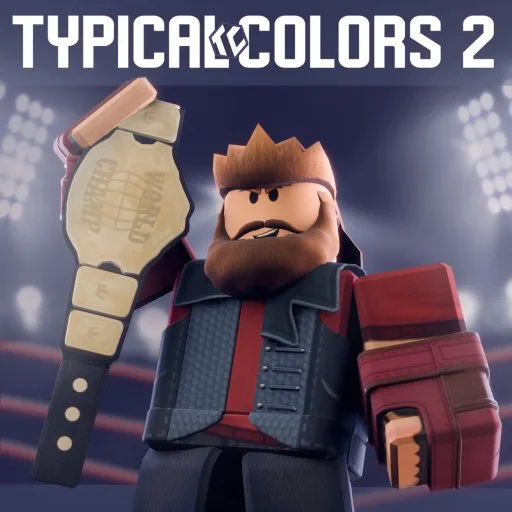
Typical Colors 2 is a free class-based team shooter on Roblox by Dorcus Digital, the studio that took the game over from ROLVe. Two teams, RED and GRN, fight with nine classes across payload, control points, capture the flag, and other objective modes. The official description puts more than 200 weapons in the game. This wiki keeps the class stats, stock weapons, map modes, Funds prices, and the expired code archive in one place.
Typical Colors 2 is a free class-based team shooter on Roblox by Dorcus Digital, the studio that took the game over from ROLVe. Two teams, RED and GRN, fight with nine classes across payload, control points, capture the flag, and other objective modes. The official description puts more than 200 weapons in the game.…
Press M, pick RED or GRN, then pick a class. Brute, Trooper, and Arsonist are the steadier first choices. Play the cart, point, or flag, and spend Funds only after you know what the stock weapon already does. The code menu is the gift icon on the team screen, and every archived code is expired.
Typical Colors 2 codes, how to redeem, and expired lists.
View all CodesTypical Colors 2 walkthroughs and task pages.
View all GuidesTypical Colors 2 walkthroughs, progression, and practical video tutorials.
View all Video TutorialsS through D rankings for Typical Colors 2.
View all Tier ListTypical Colors 2 roster hub.
View all PlayersTypical Colors 2 patch notes and listing-checked changes.
View all UpdatesWhat community tools claim to automate in Typical Colors 2, and why this wiki will not host them.
View all ScriptsTypical Colors 2 database hubs.
View all WikiOfficial game page, group, and this wiki map.
View all LinksTeam, class, and the objective, in that order. Open page
Health, speed, and the three roles. Open page
Point ratios, the 70 Fund cap, and store prices. Open page
The menu exists. Nothing in the archive is active. Open page
Agent basics, movement, and a weapon tour. Open page
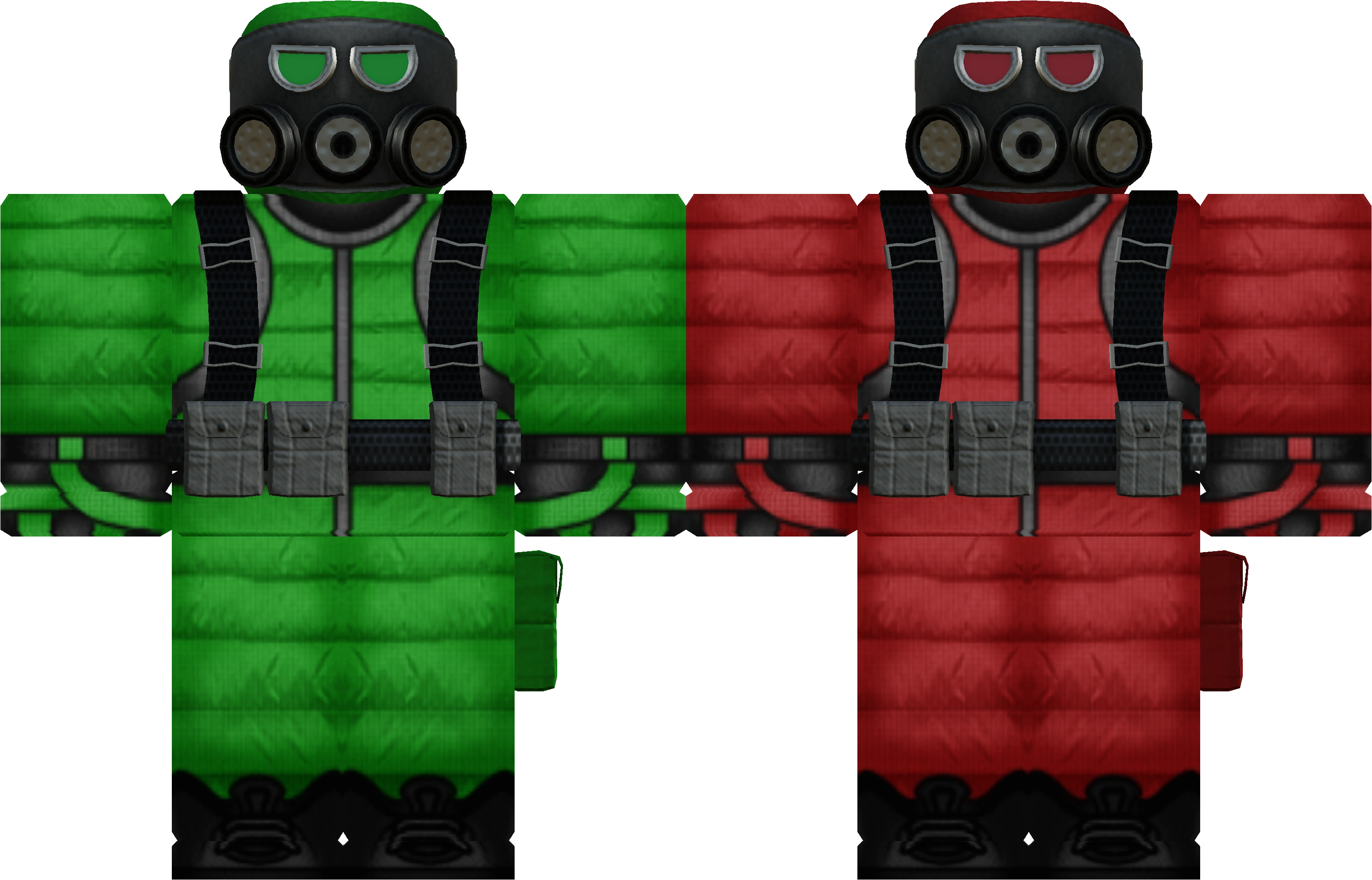
RED and GRN. You pick a team on the team selection screen before the class screen opens.
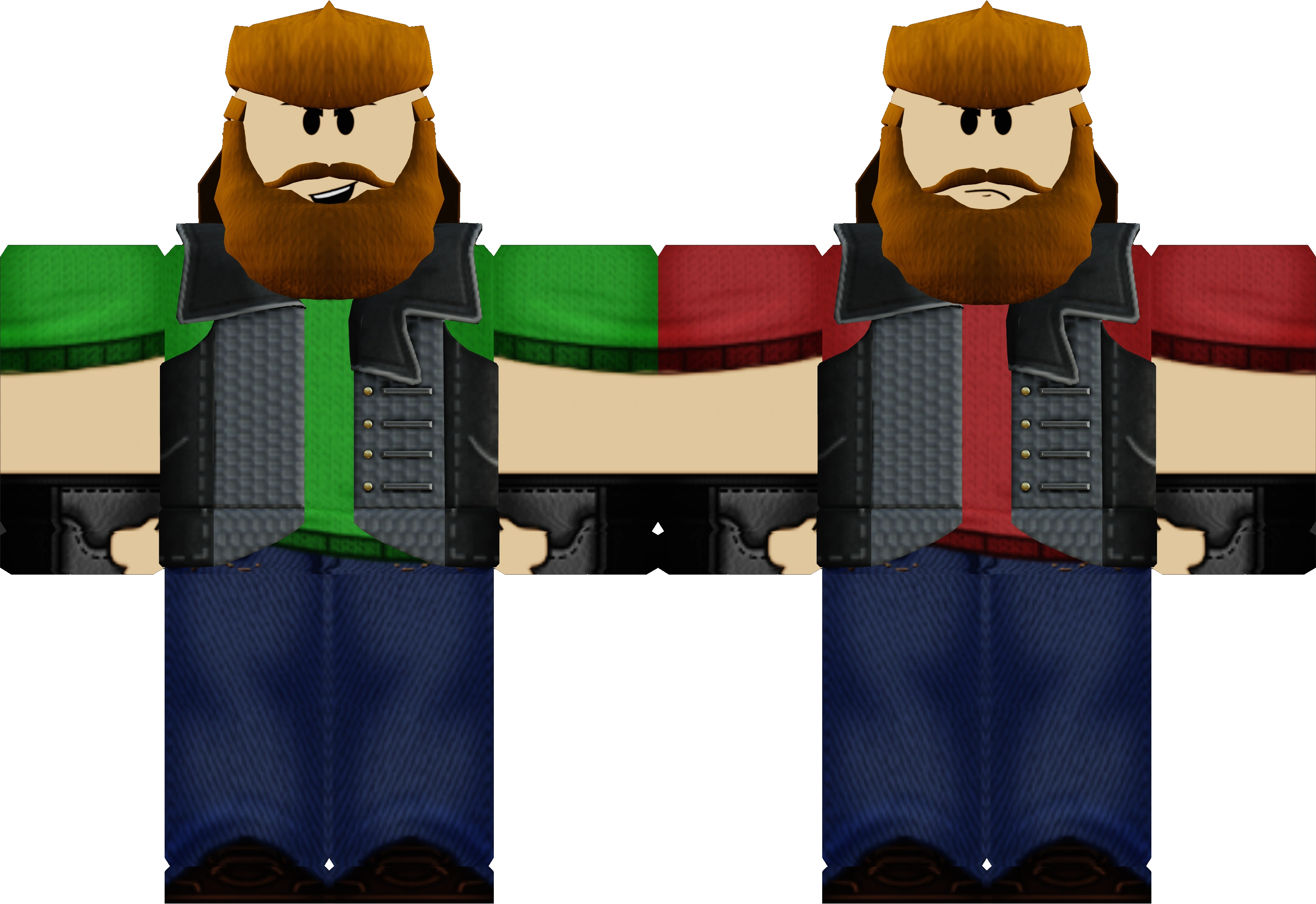
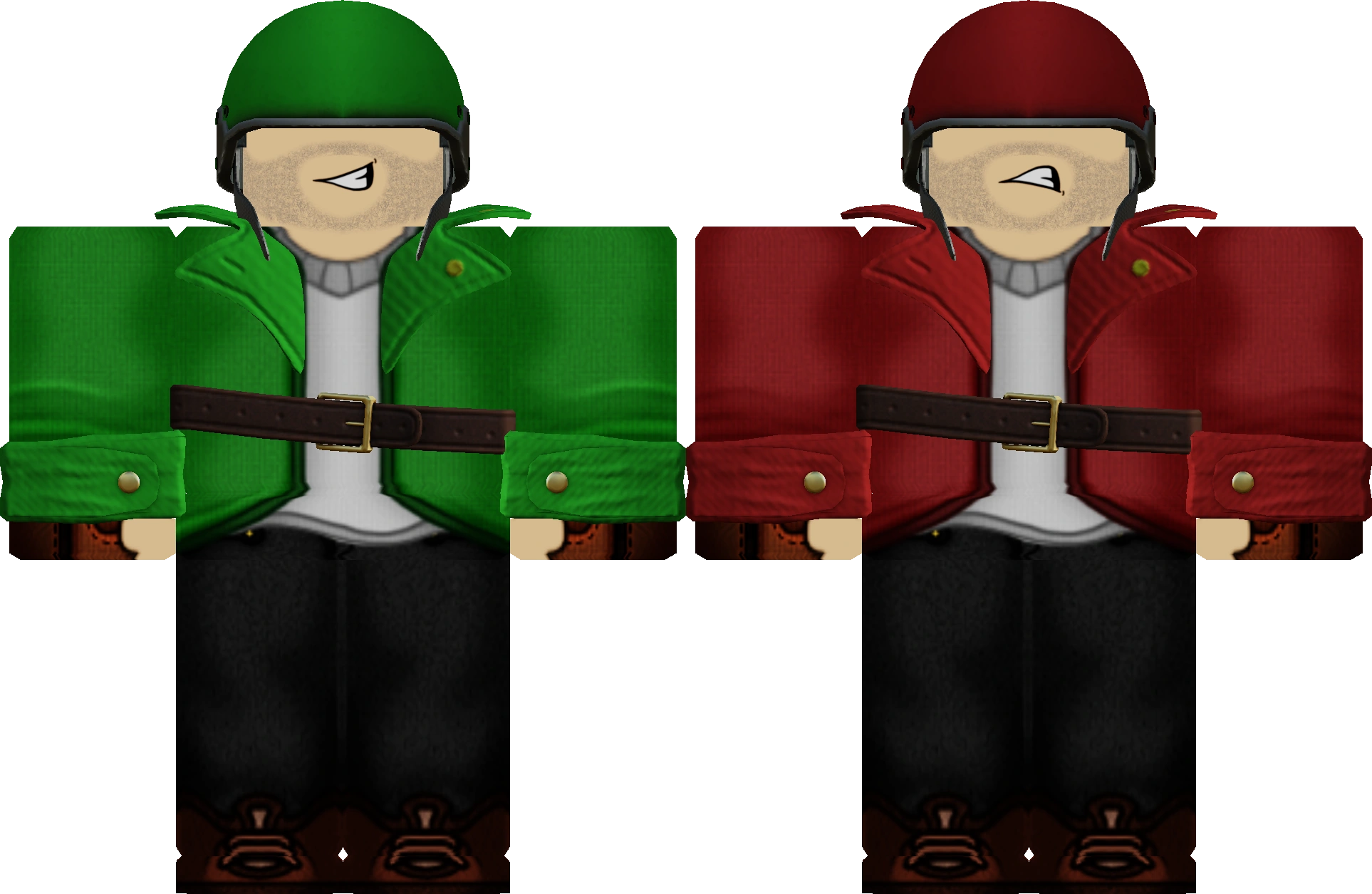
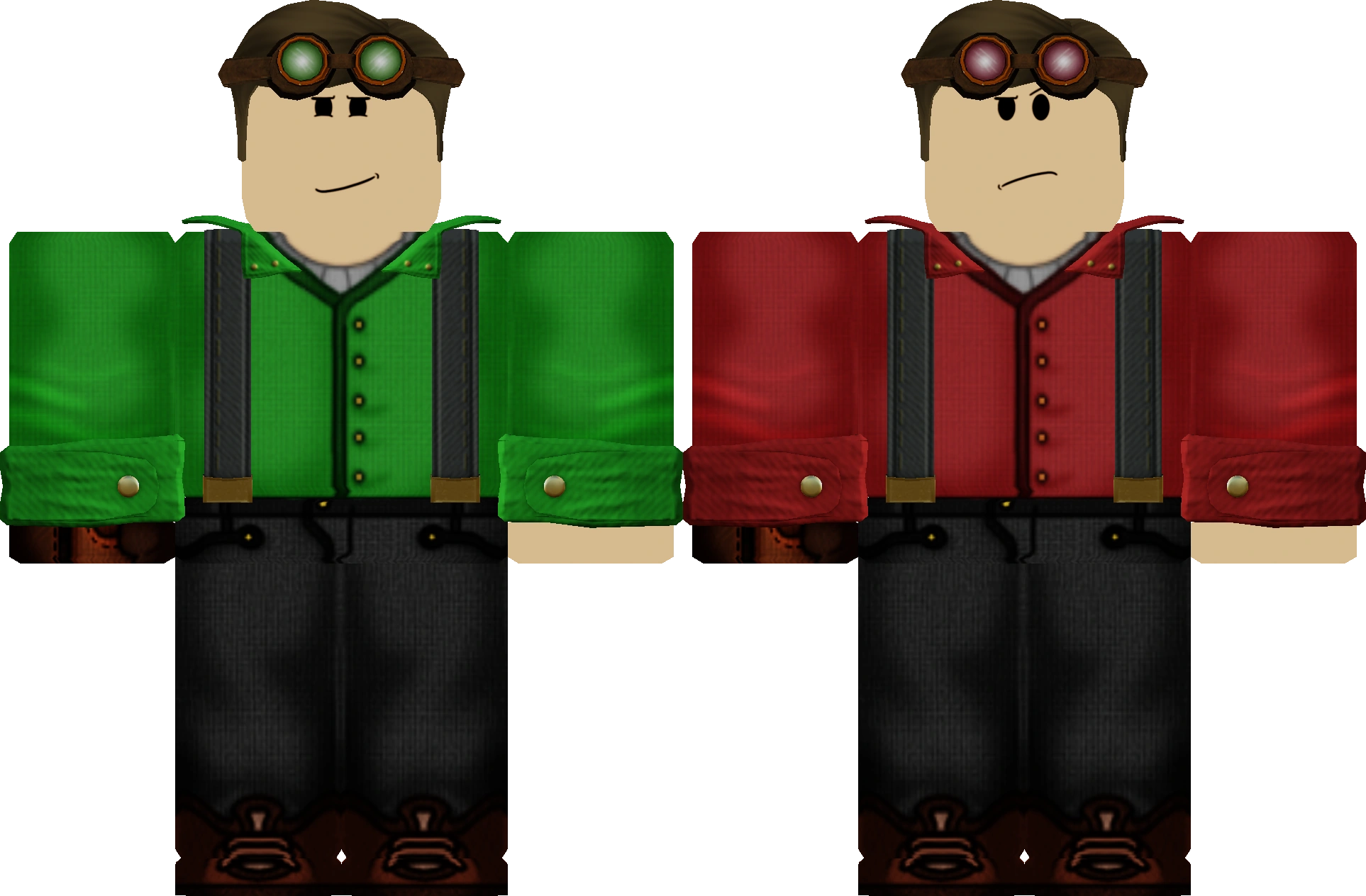
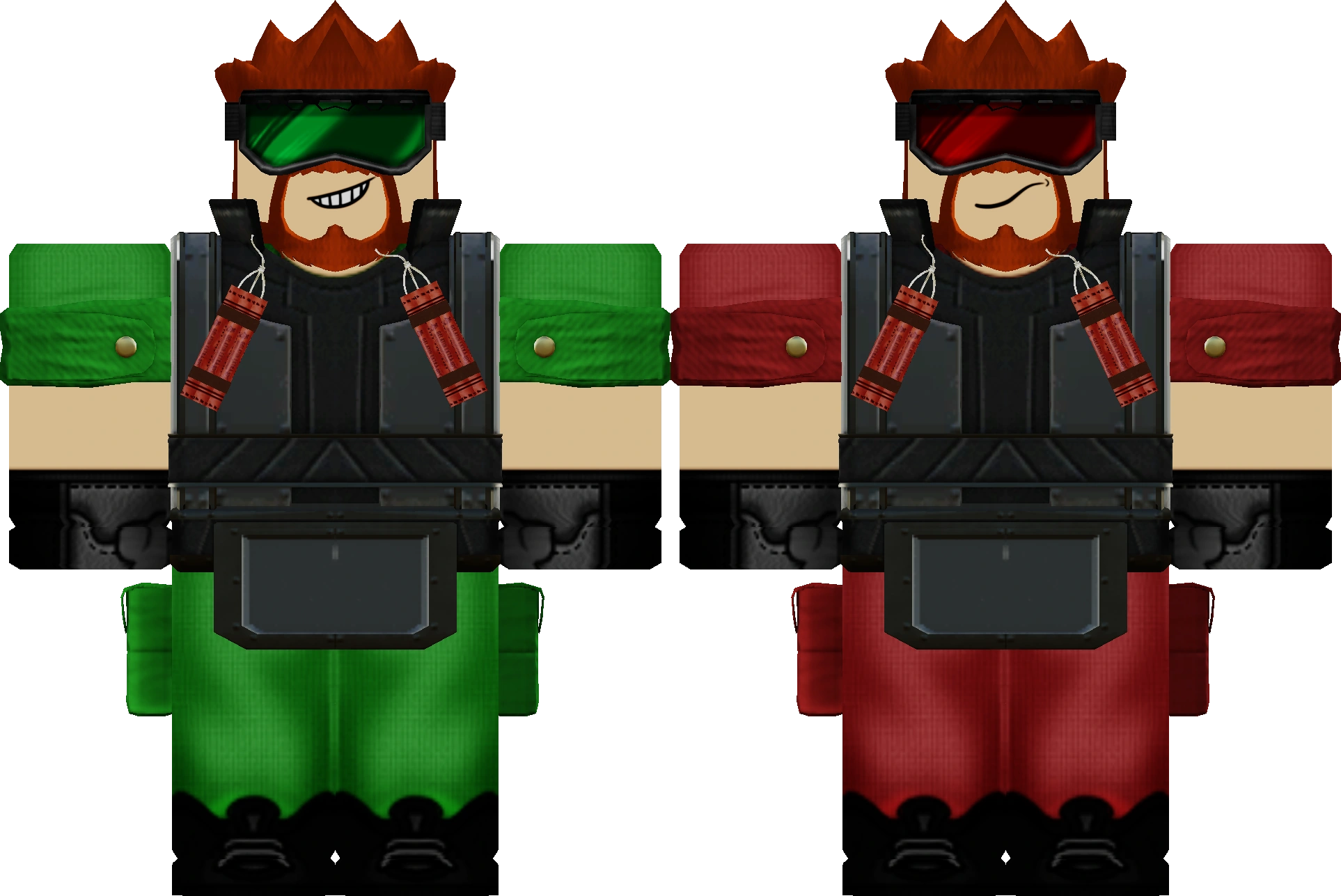
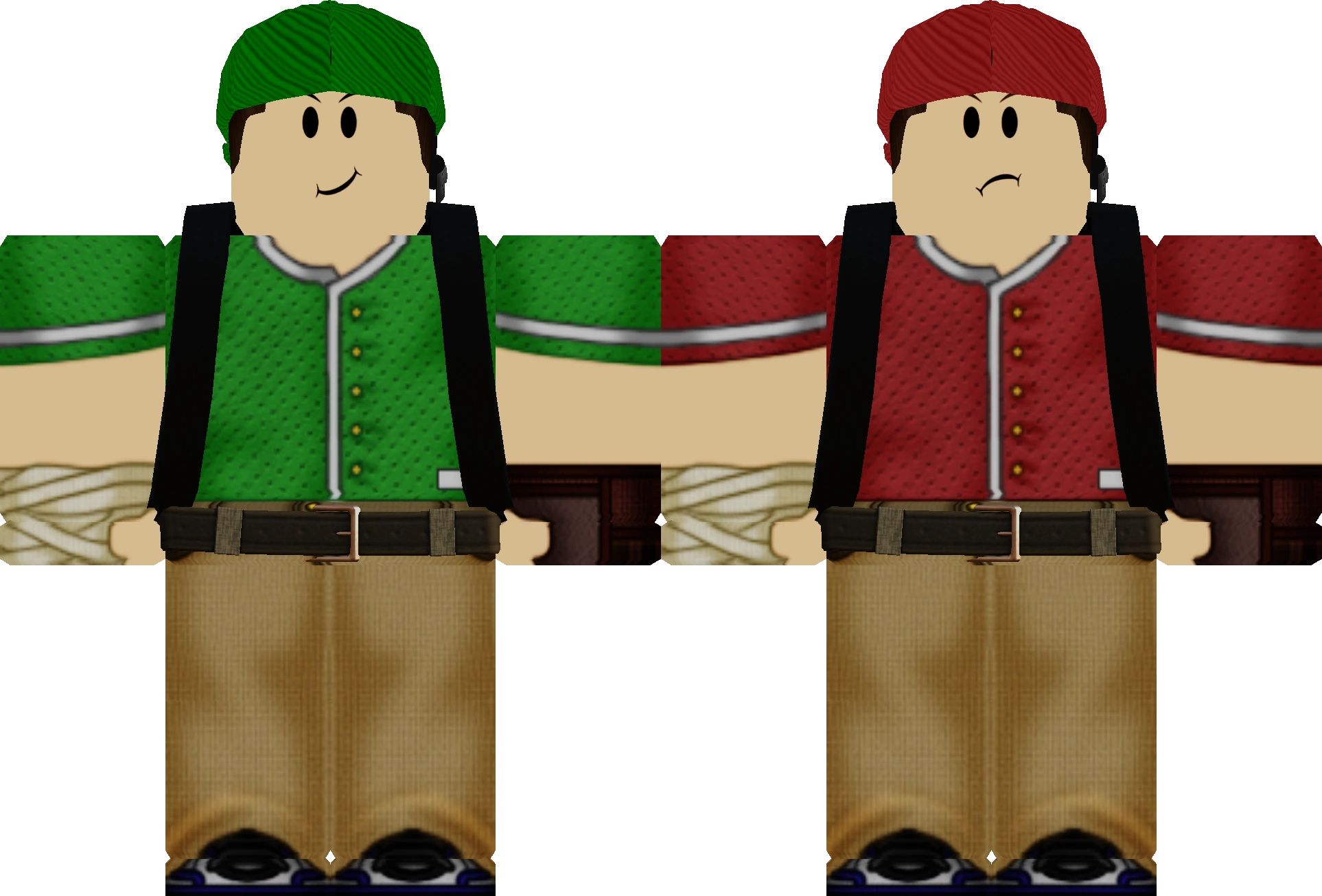
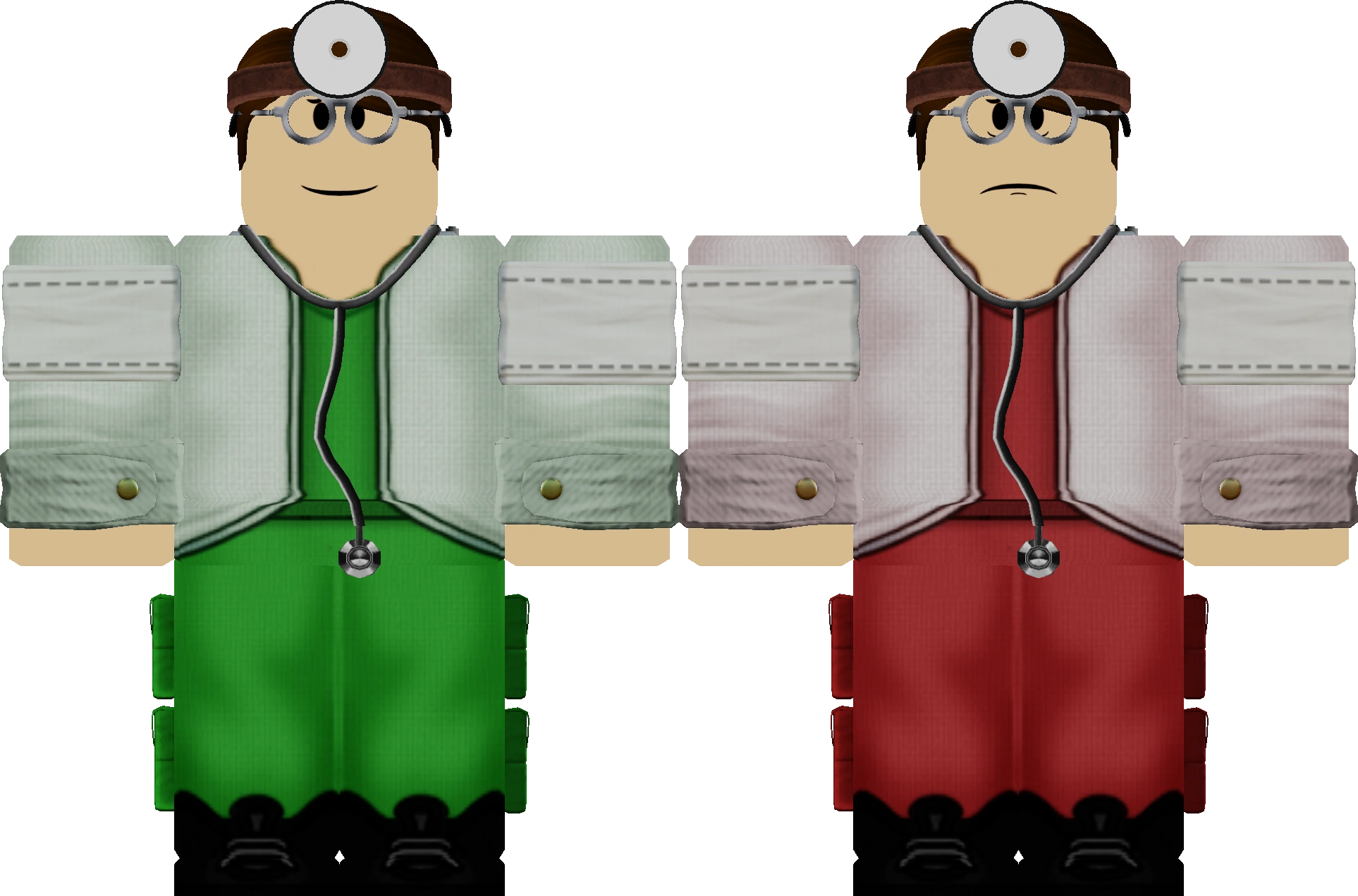
Nine: Flanker, Trooper, Arsonist, Annihilator, Brute, Mechanic, Doctor, Marksman, and Agent. The class screen groups them as Pick, Power, and Support.
The code menu is real, on the gift icon of the team selection screen. The documented list has no active codes. Every archived string is expired, out of copies, or manually disabled.
Most weapons in the Fitten Co. Store cost 10 Funds. A three-weapon bundle costs 15 Funds, which is half the price of buying the three weapons separately.
The public Roblox listing marks voice chat as not supported. The controls reference still lists T as push-to-talk when Roblox voice is enabled. Use the in-game settings screen to see whether voice is actually available on your account.
Open Typical Colors 2, pick a team, and take the beginner path before you buy a weapon.